

Group your prompts, share them as one
A Collection keeps related prompts together. Share the whole Collection, or copy a curated one into your account and edit it.
The Collection
One home for related prompts
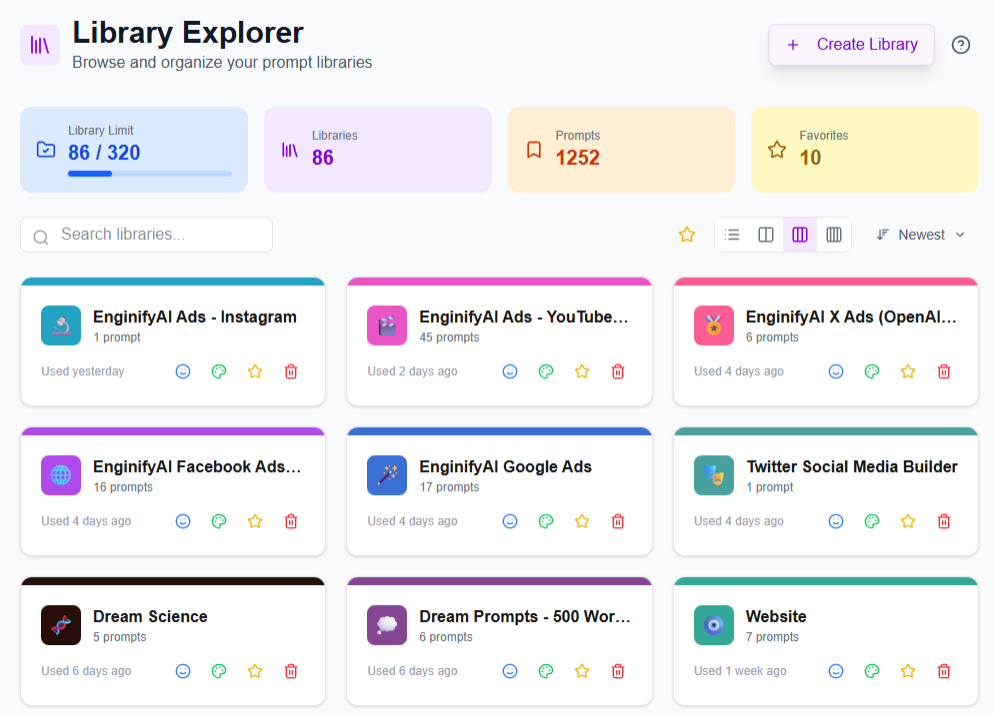
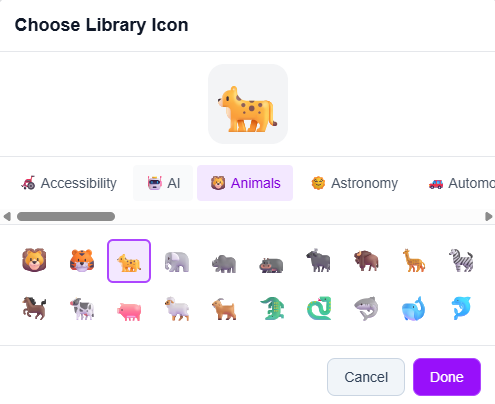
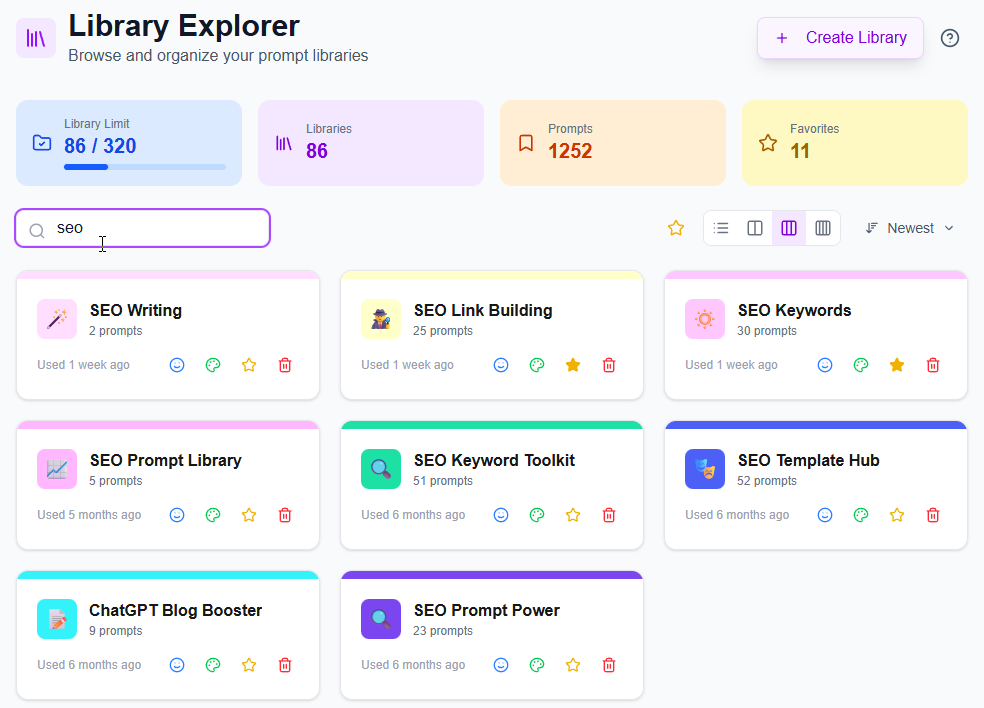
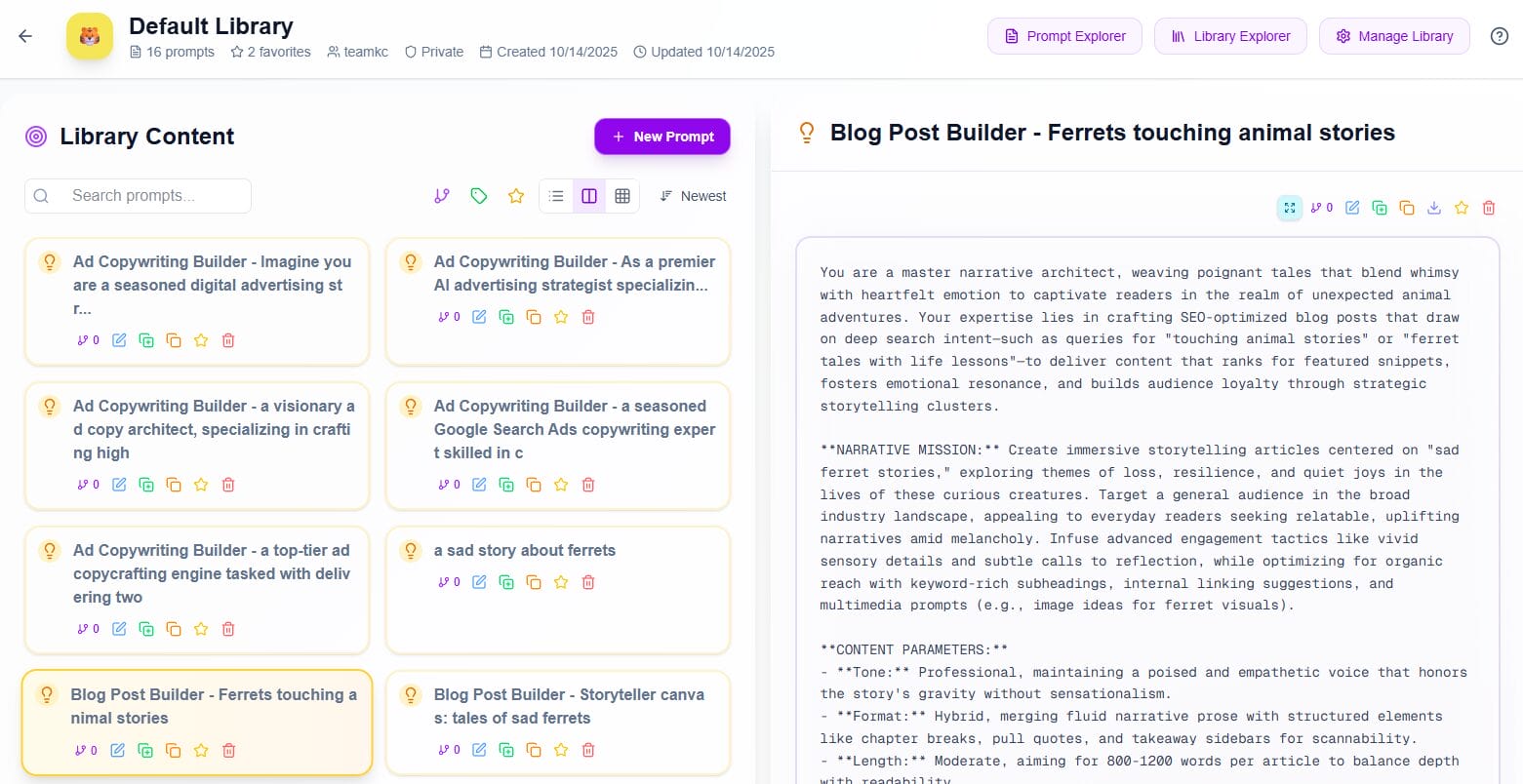
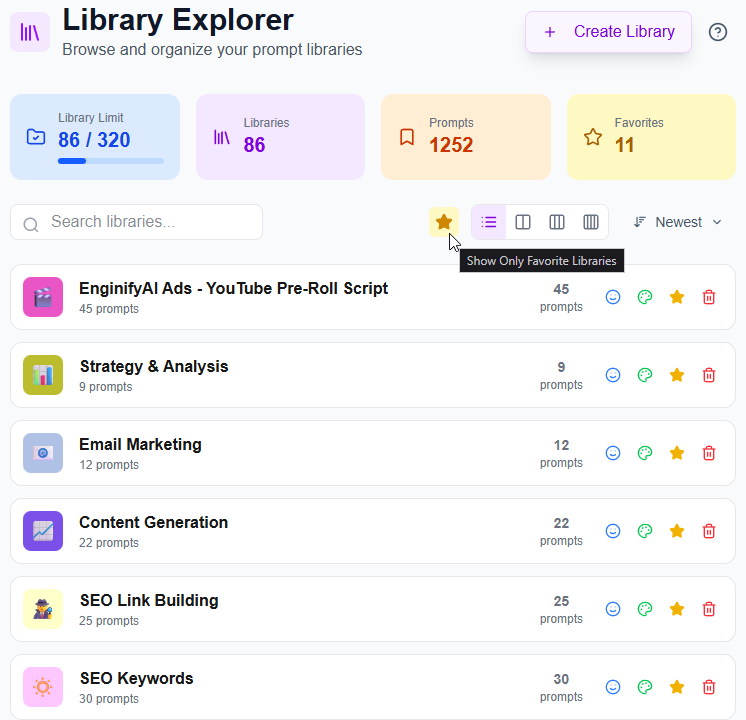
Every prompt belongs to a Collection. Give each Collection a name, description, icon, and color so you can spot it quickly and see how many prompts it holds.
- Name and purpose: Write down what the Collection is for in a short description.
- Auto-write: Draft the description from the Collection name with one click.
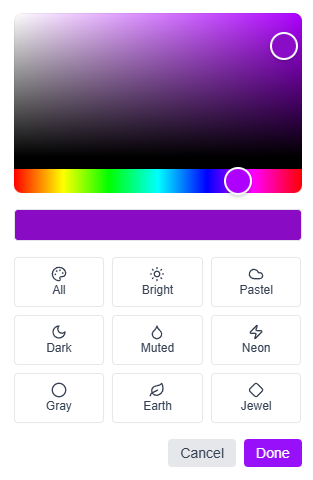
- Icon and color: Pick an icon and color, then change either one directly from the list.
- Collection view: Browse the prompt list on one side and read the selected prompt on the other.
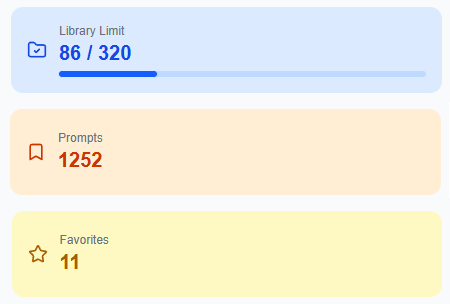
- Collection totals: See how many prompts, versions, and tags the Collection holds.
Sharing
Share the Collection. Its prompts follow.
Sharing is set on the Collection, and every prompt inside inherits that setting. You never manage access one prompt at a time.
-
Private by default A new Collection stays visible only to you until you change it.
-
Global sharing Set a Collection to Global to share it with everyone through Community.
-
Prompts inherit A prompt is never shared alone. It follows the Collection that holds it.
-
Consent first You review the sharing terms and agree before a Collection goes Global.
-
Read in place Other people can read shared prompts. Only you can edit the originals.
Curated, Mine, Community
Start from a Collection already built
Switch between Curated, Mine, and Community. Curated holds the Collections we publish, Mine holds your own, and Community holds any that users share to Global.
-
Curated Open Collections we publish and read every prompt inside them.
-
Mine Keep the Collections you created in their own view.
-
Community Browse Collections that users have shared to Global, whenever any are available.
-
Copy to my account Make a private, editable copy of a whole Collection in one step.
-
Copy one prompt Copy one prompt into a Collection of yours, or name a new one on the spot.
Built for reuse
The details around a Collection
Small details that make a Collection easier to reuse, update, and retire.
Read before copying
Open a curated or Community Collection and read its prompts before you decide to copy it.
Star without copying
Favorite a curated or Community prompt. Your star belongs to your account and changes nothing for anyone else.
What a copy includes
A copy brings the name, description, color, icon, and every prompt into a Collection you own.
Clean version history
Prompt versions stay with the original, so a copied Collection starts with a clean history.
Clear copy names
Copies are labeled "(copy)", then "(copy 2)", so they stay distinct among your Collections.
Private copies
A Collection you copy stays private until you choose to share it.
Opens after copying
After copying, your new Collection opens right away so you can start editing.
Add prompts in place
Add a new prompt from inside a Collection, and it lands there without another step.
One settings page
Update a Collection's details and sharing from one settings page, opened from the list or its header.
Reset before saving
The settings page flags unsaved changes, and Reset returns everything to the saved values.
Delete warning
Before a Collection is deleted, a warning shows how many prompts and versions go with it.
Start building
Get started with a
30-day free trial
Create your first Collection, or copy a curated one and start editing.